Nested Links
I led the end-to-end design direction of the experience crafting intuitive workflows for both admin users and site visitors.
The Nested Links feature was designed to improve site navigation and streamline content organization within our CMS platform.
Users sought a solution to create and manage nested link structures, offering flexibility and reducing visual clutter

Lead Product Designer & Product Manager
Enterprise feature
2 Software Engineers
1 QA Engineer
2 months
Business Problem
Users managing large websites faced challenges in organizing extensive link libraries. The existing submenu feature only supported single-level dropdowns, limiting scalability and making navigation cluttered and difficult to manage.
Design Problem
The absence of hierarchical organization tools led to inefficiencies in managing large sets of links. Users needed a scalable, intuitive interface to manage nested links and streamline site-wide navigation without adding complexity.
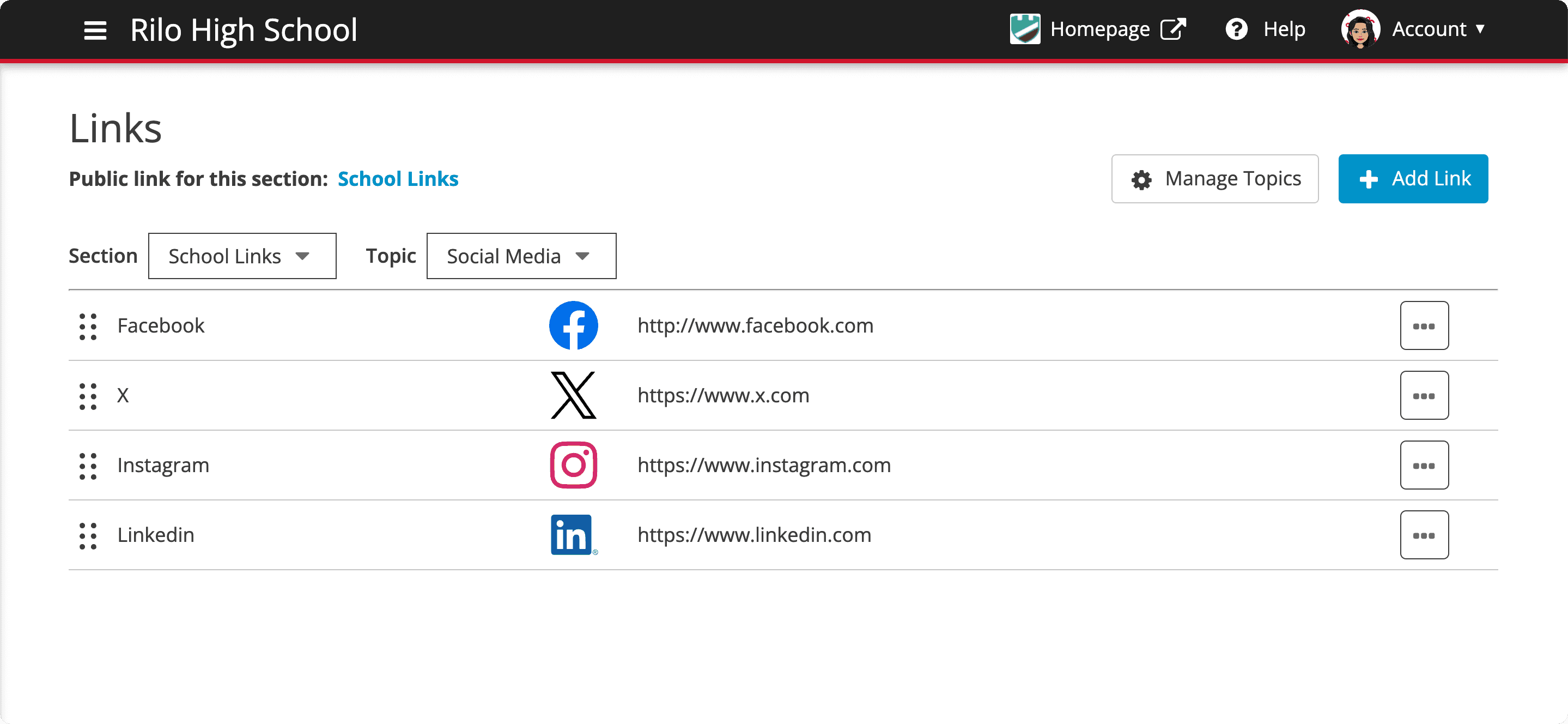
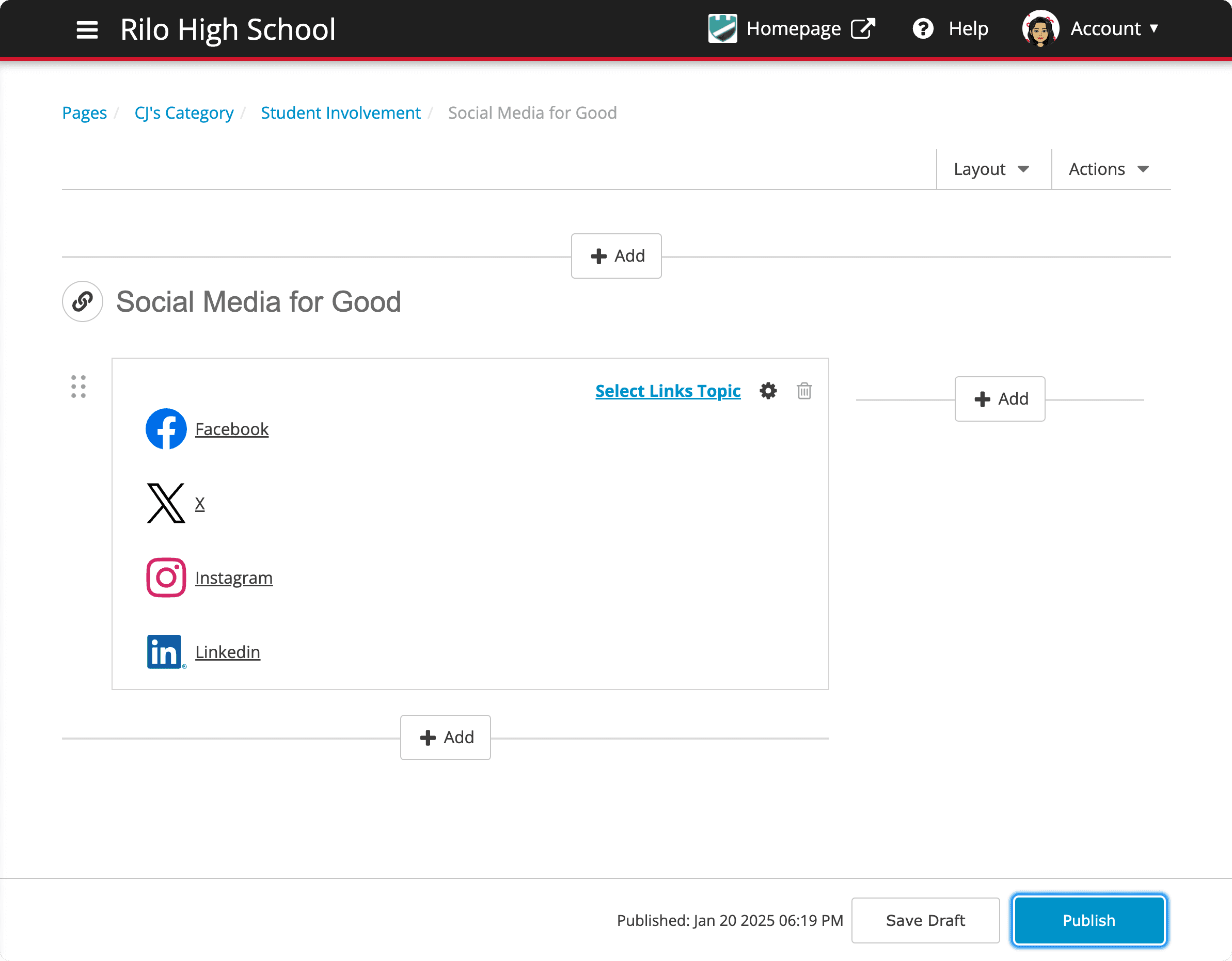
How might we help admins efficiently manage large link libraries and organize site navigation to improve usability?
User interviews and surveys
Users wanted greater customization in their navigation menus.
Users expressed a need for a separate, dedicated navigation feature that could be customized with added links.
Users wanted a separate list of links without attaching them to the existing Pages feature.
Key Insights
85% of the users we spoke with wanted folders to organize links based on their specific site structures.
We had previous requests dating back 3 years, requesting the ability to build custom navigation independently from auto-generated menus tied to the Pages feature.
Users consistently emphasized the need for drag-and-drop reordering and intuitive folder management for their links.
Design Solution
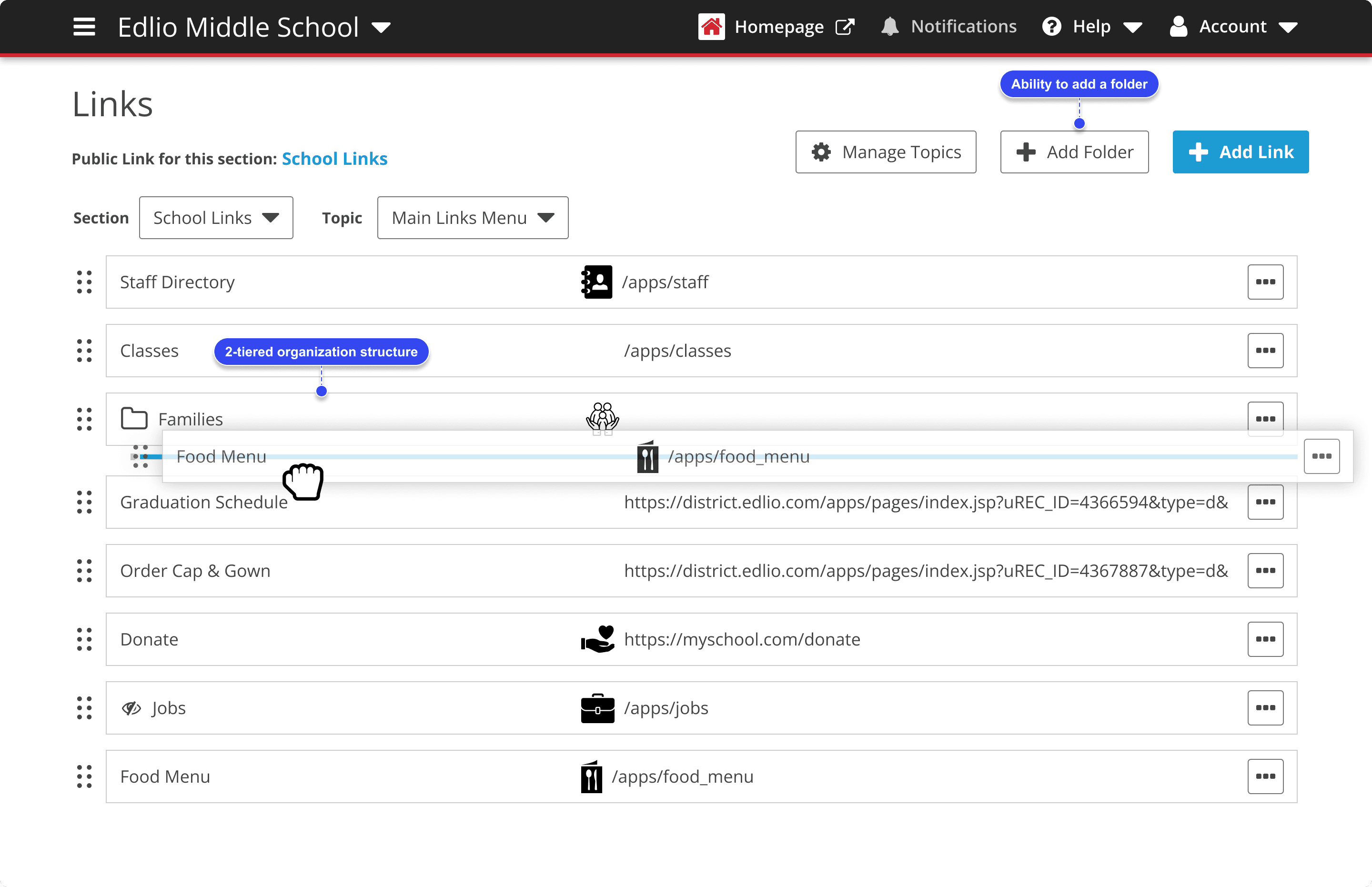
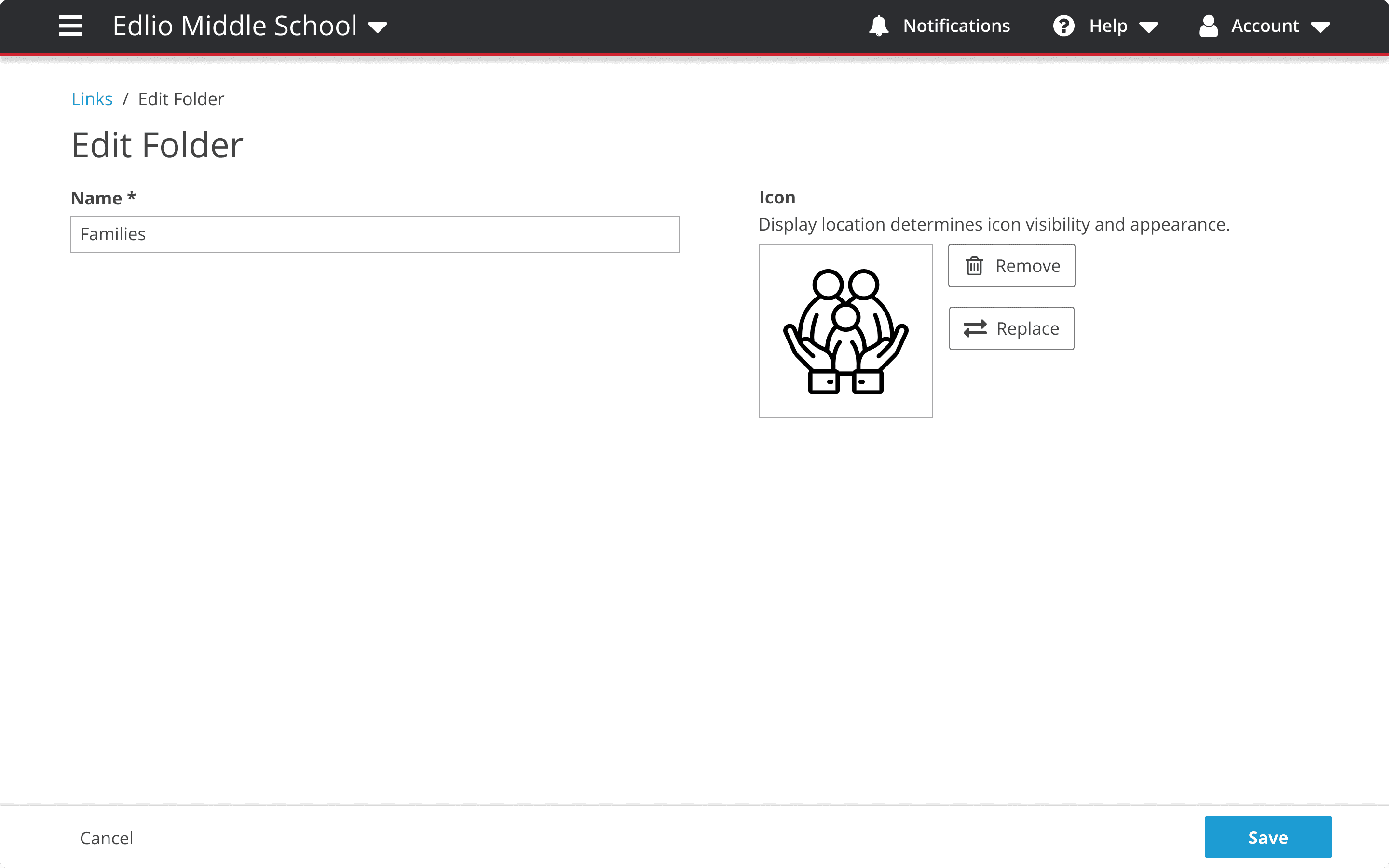
Why did we go with said design solution?
Flexibility
Some enterprise clients need the ability to manage complex navigation structures across multiple sections of their sites.
This solution allows for greater flexibility, reducing reliance on rigid, auto-generated menus.
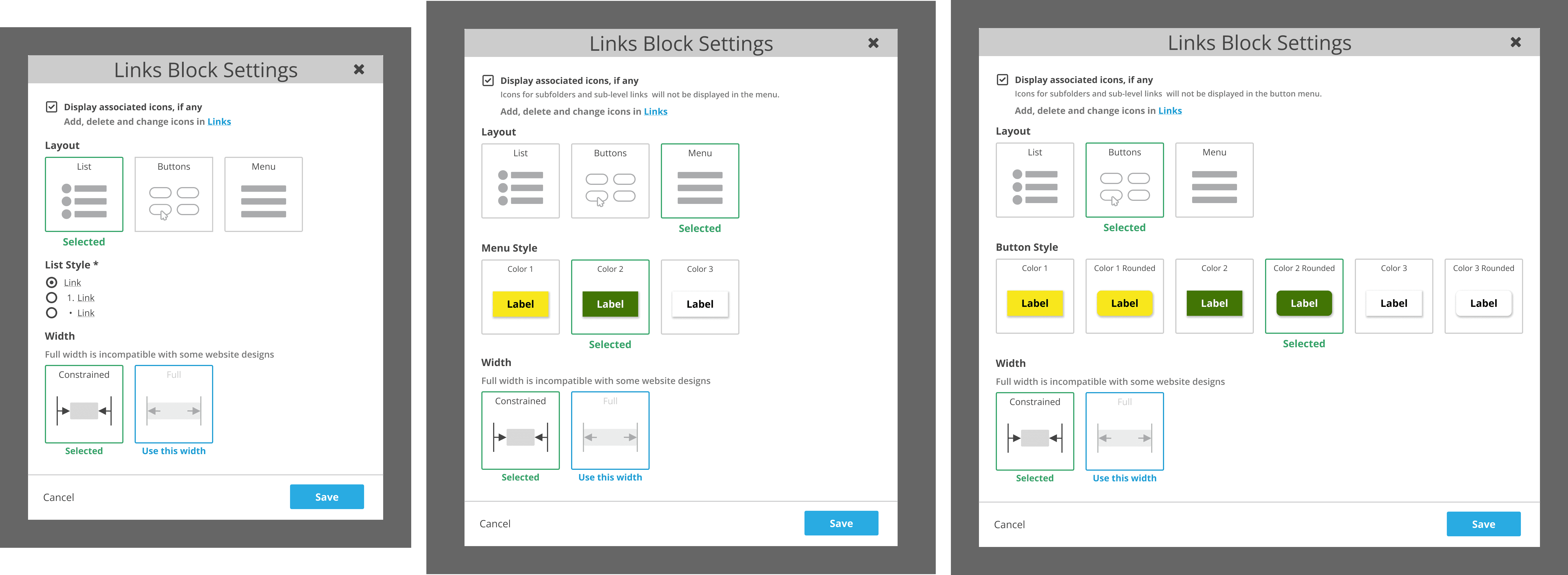
Challenges
Existing API Calls
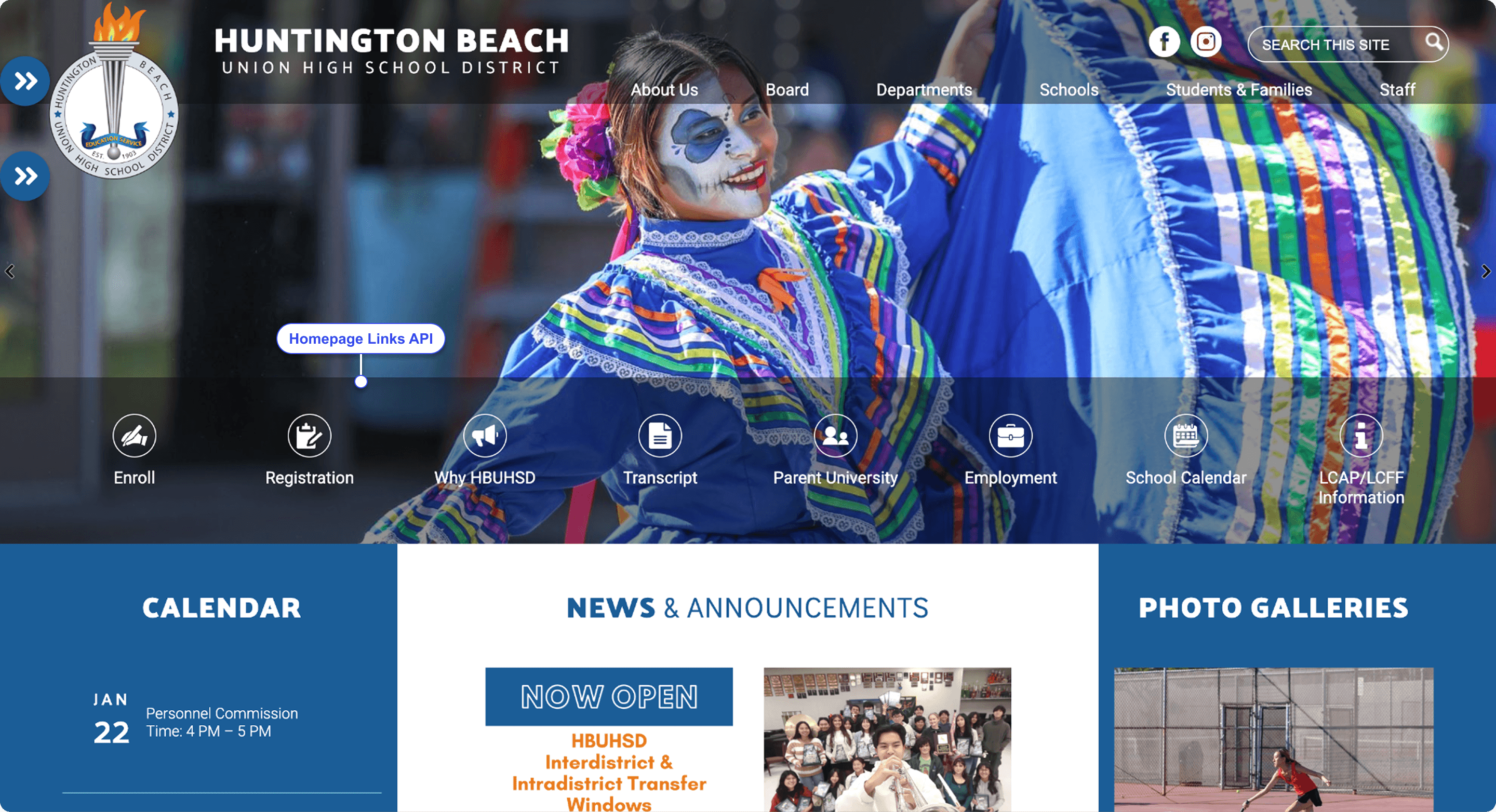
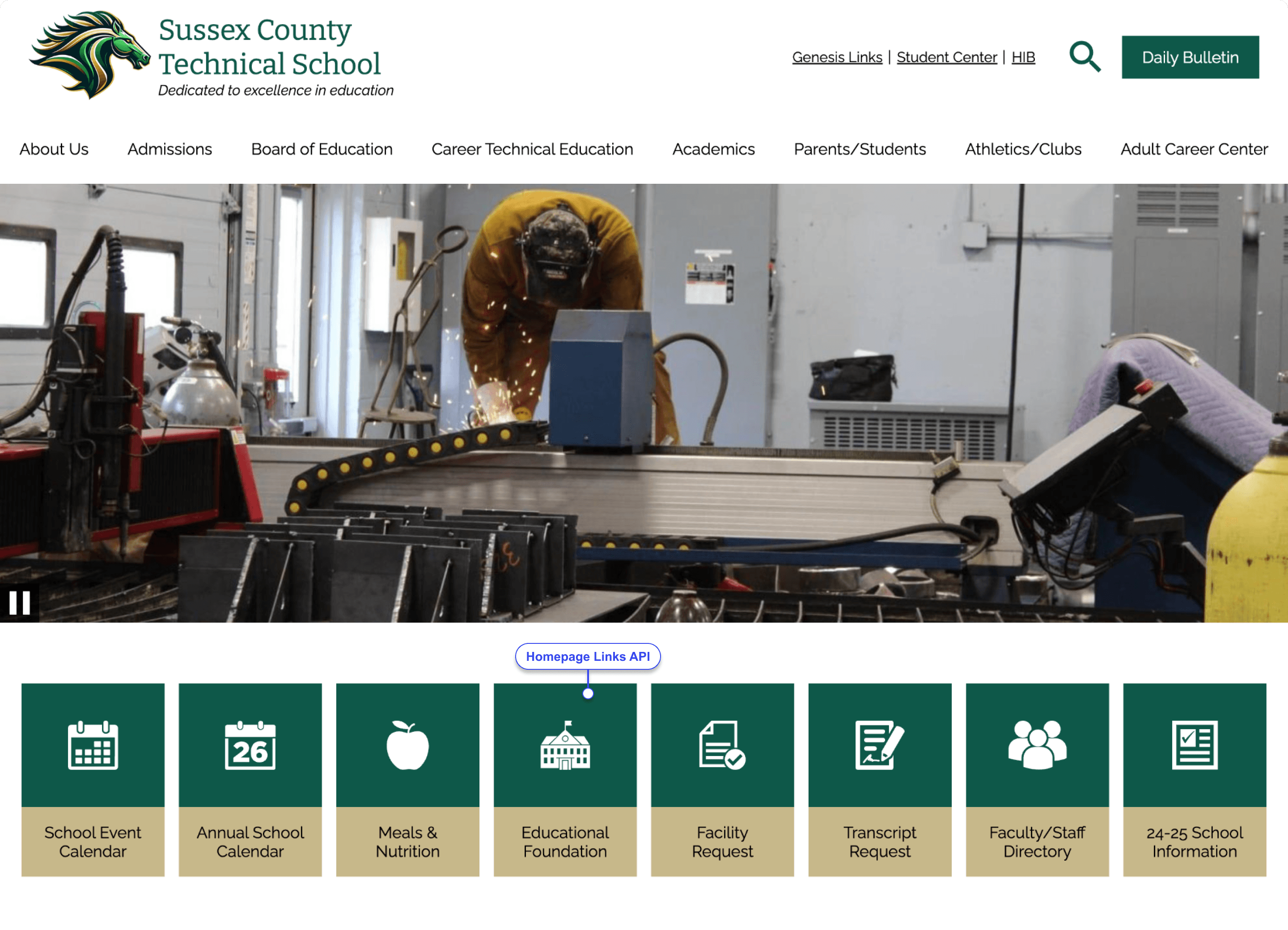
Links are connected to the homepage API that display the links on the school’s website.
We tested extensively in a QA environment to ensure that existing API calls return flat structures and there are no regressions on existing websites.
New API Calls
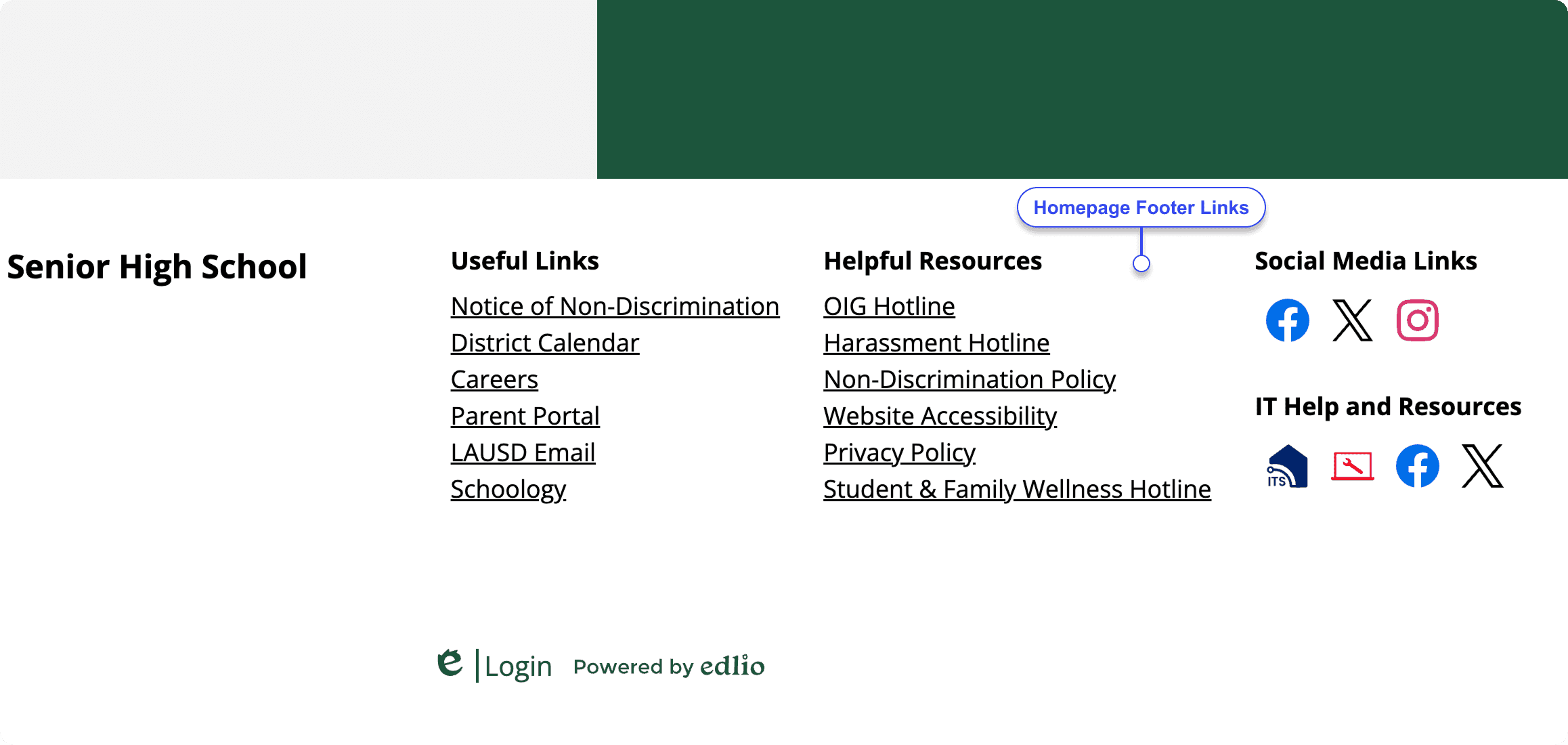
Developed new API calls to return multilevel structures, supporting header, footer, and homepage link integration.
This solution solves for the fact that our production homepage coding team no longer needs to create homepage link structures manually
It also reduces technical support labor to update homepage links manually.
To solve the challenge
Collaborated with coders who create the public-facing website along with developers who built the new enhancement.
Rigorous User Acceptance testing and regression testing.
Enterprise research with clients and stakeholders.
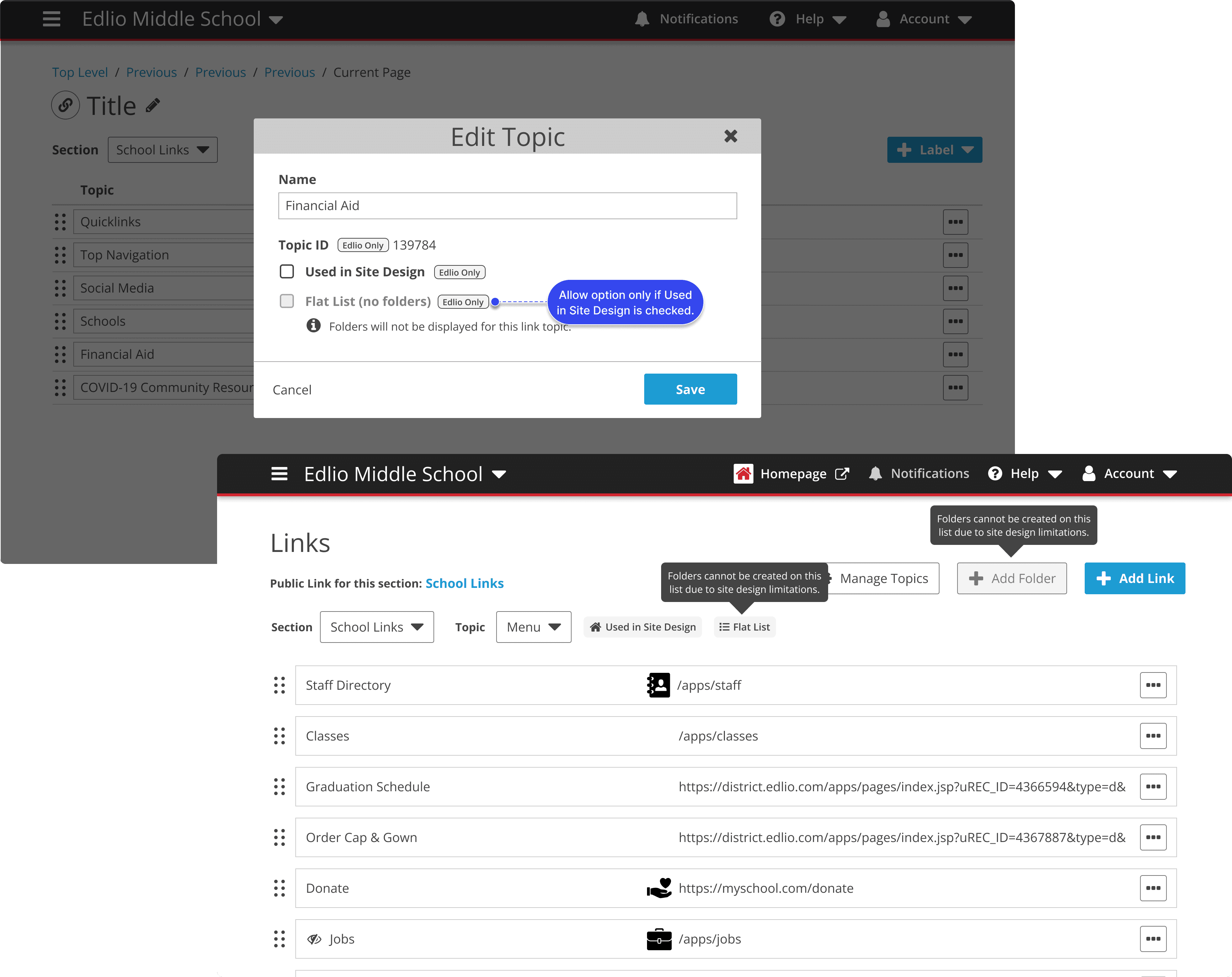
Prototype the admin experience and public-facing experience
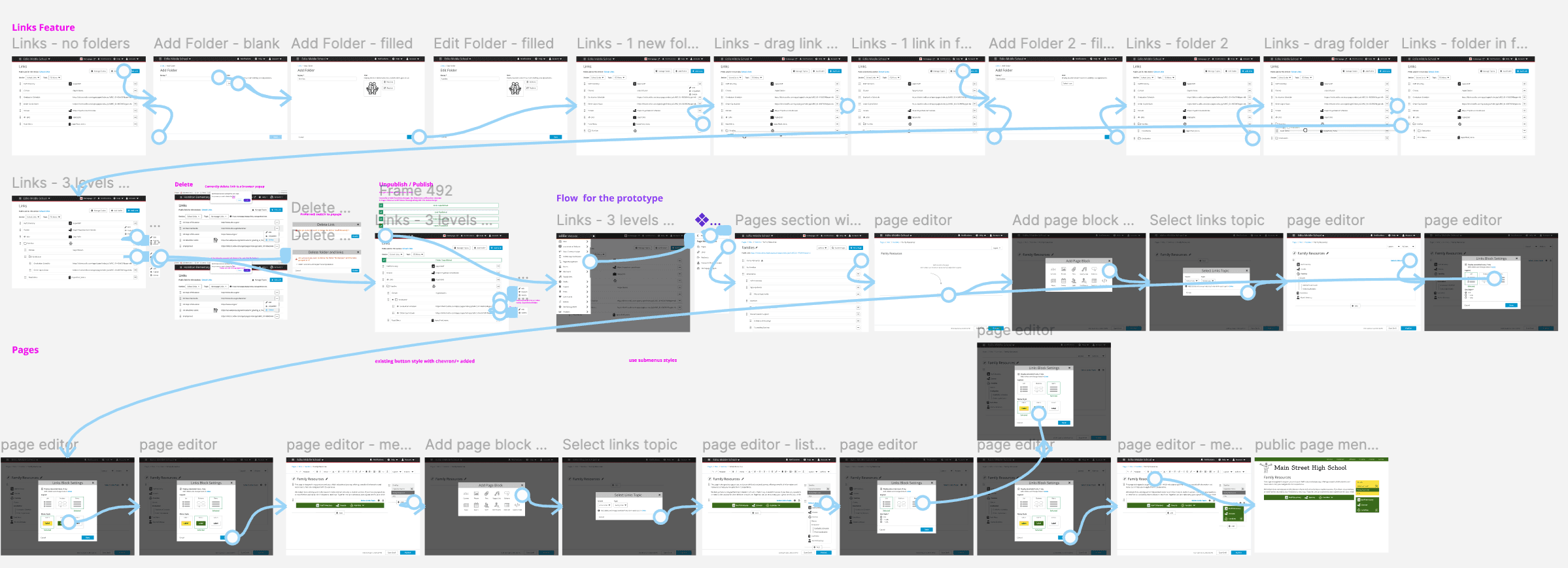
Throughout the project, I developed interactive prototypes
Showcase the admin experience
How users manage and organize the links
How users can add them to a page
Public-facing experience
How the navigation appears to site visitors
Interaction designs for the different styles
Impact and Results
Faster Link Management
Preferred method of project content migration for internal teams.
100% Adoption of enterprise customers
All enterprise sites requested to have this feature.
No more manual coding
New API calls for homepage link structuring eliminated the need for manual coding on customer homepage websites.
Future improvements for V2 ahead
Future enhancements have been fleshed out and ready for the roadmap.
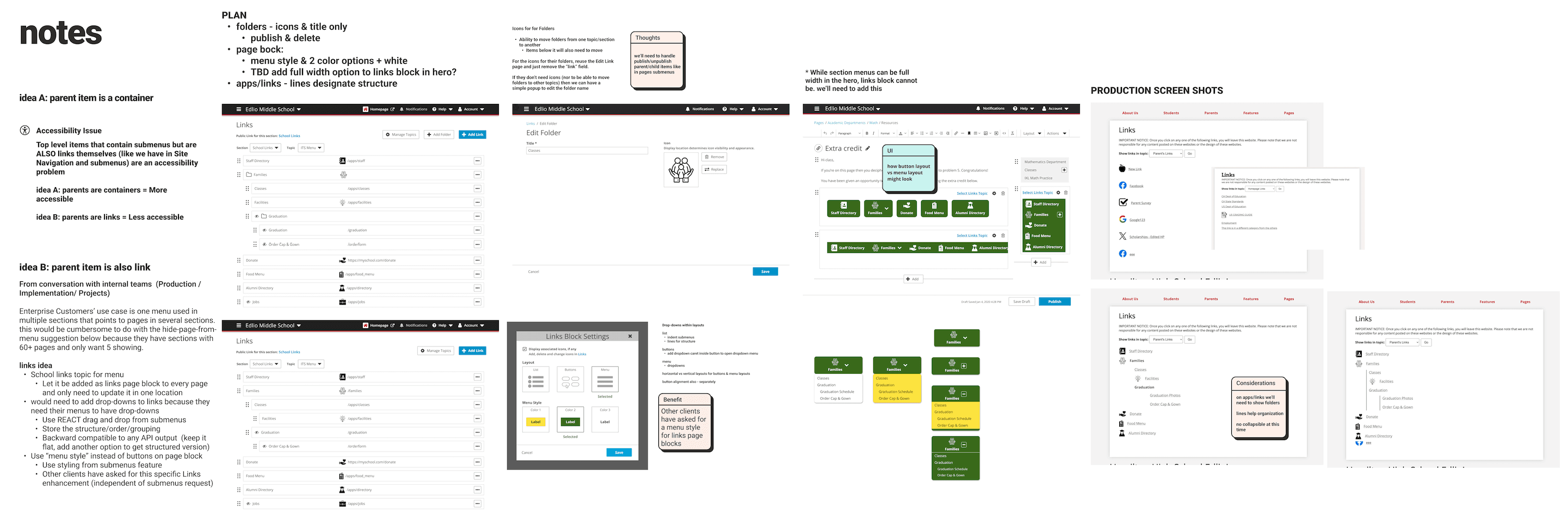
Hierarchical Link Groups (without folders)
Another idea I explored was removing the concept of folders entirely and allowing users to organize links into hierarchical groupings.
Ability to align the link layouts
After observing how our customers were custom coding the link menus to align left or right on their page, I designed and documented V2 plans to allow users to align their links instead of always defaulting to the center of the page.
Some improvements feel out of scope due to technical challenges
There were some technical challenges related to the API structure and site design integration, potentially introducing regression risks. The project was delivered on time, but some improvements were planned for the future.